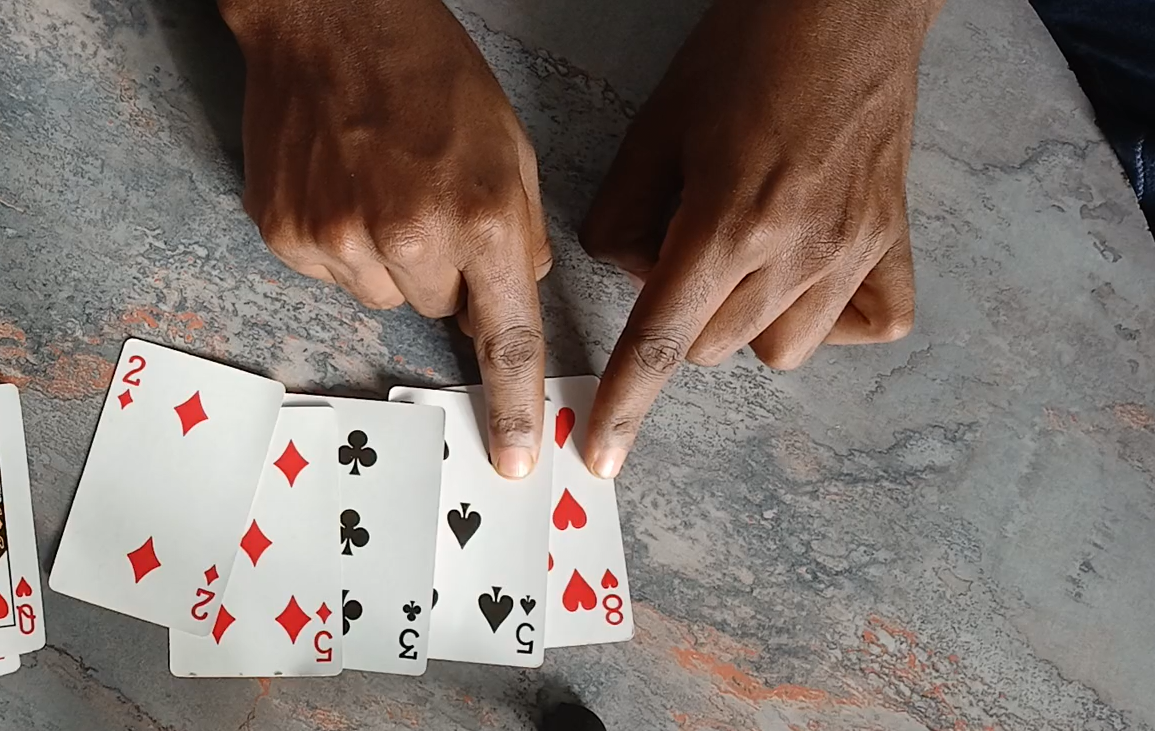
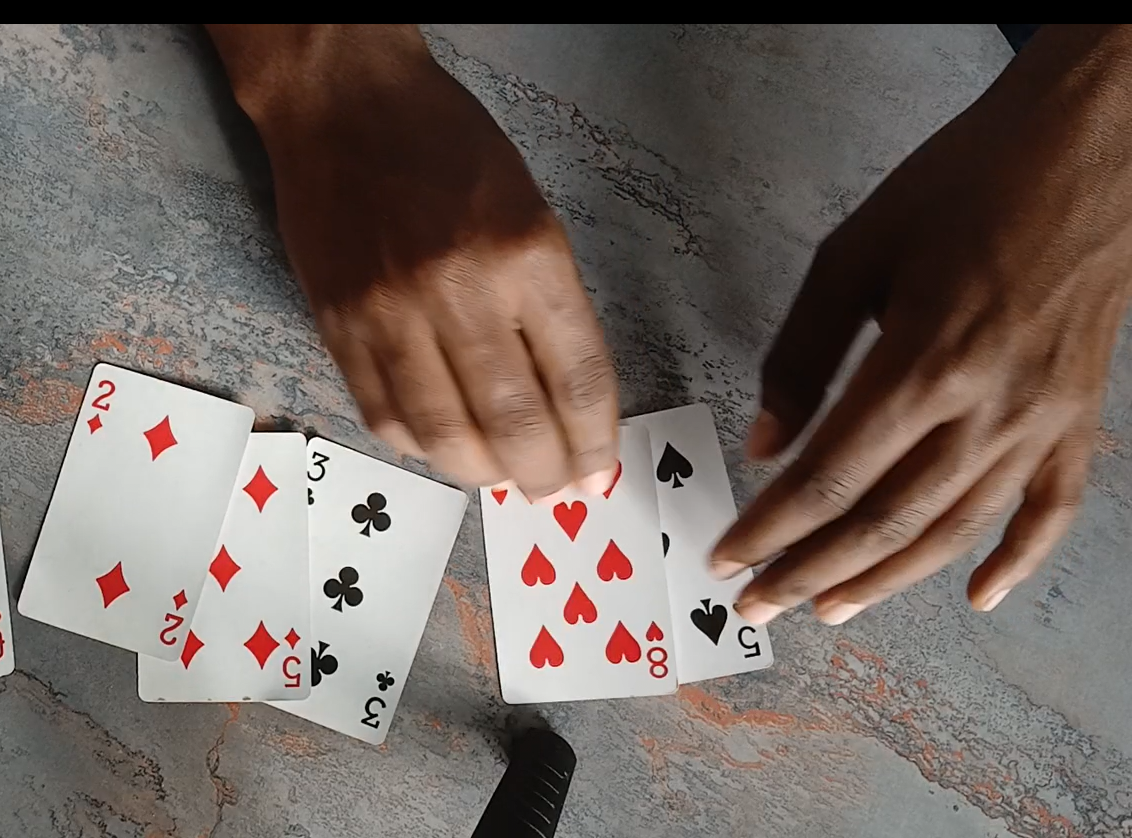
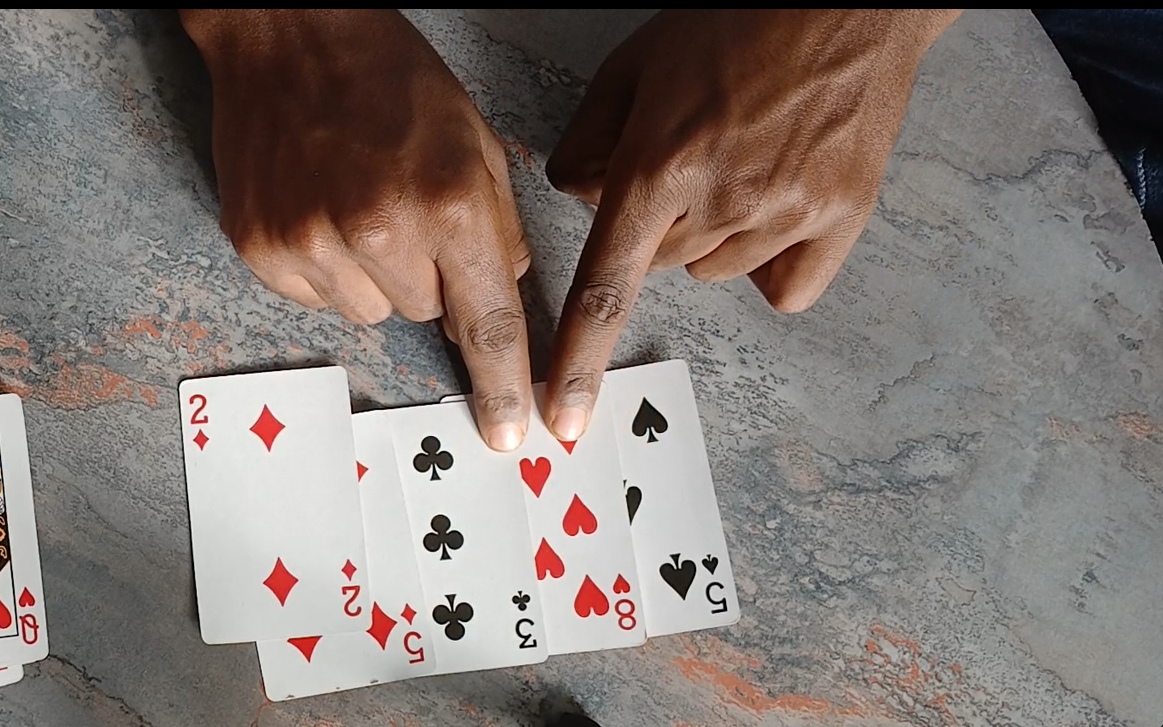
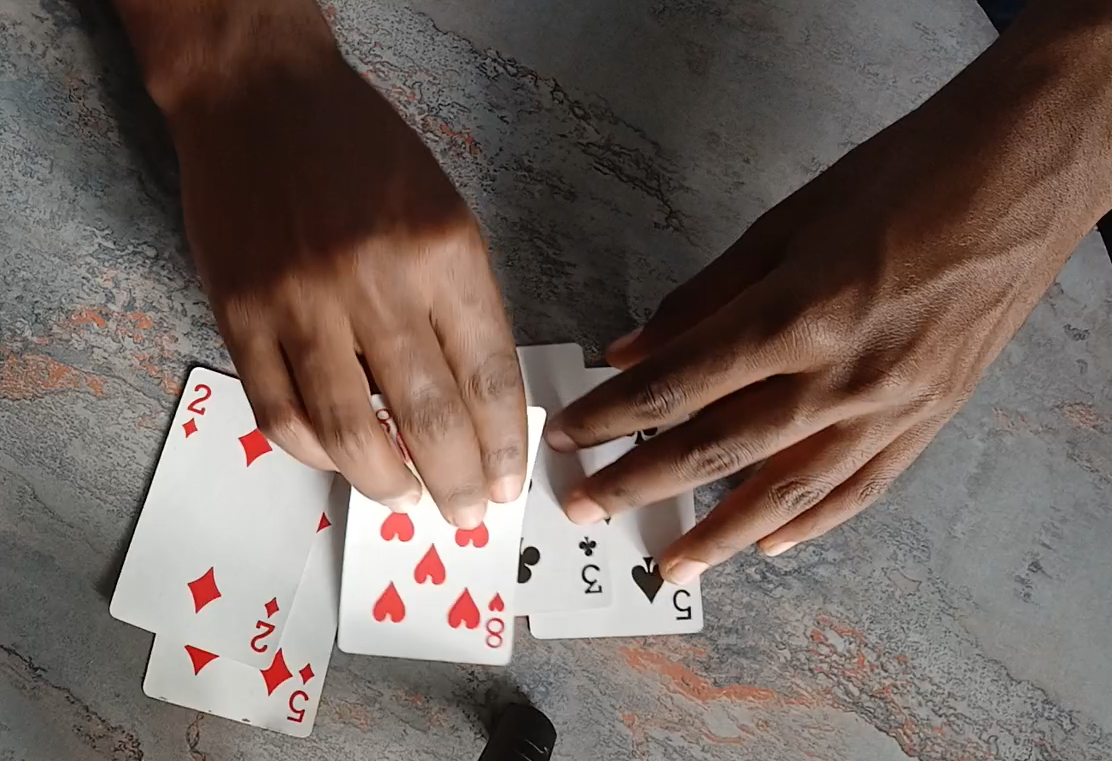
Bubble sort is fairly easy sorting algorithm,
Bubble Sort is called “bubble” because larger elements tend to “bubble up”
to the top of the list as they are swapped. This process is repeated until no further swaps are needed, indicating that the list is sorted.
Info
It works by repeatedly comparing each pair of adjacent items
and swapping them if they are in the wrong order. By consistently
applying this process in one direction, you can sort items in ascending
or descending order, depending on whether you choose to place the smaller
or larger item on the left in each comparison.
Tip
decrease the speed to 1 and see how the sorting works slowly
As you can see when it first come since it checks all adjacent items
and move the largest of the two to the right this make it seem like
we are pushing the largest(max) item to the right and in the next
round it does the same but this time it pushes the 2nd largest item
to the right and so on this is exactly why it is called bubble sort
because of the way elements “bubble up” the largest item to one side at a time
But as you can see you can easily change for choosing the largest and
putting it to the right to make it choose the smallest and put it on
the left.This is left as an exercise for the reader
So starting at index 0 you check the first item with the second
if the first number is larger than the second you change the order of the two
you repeat this until in the whole loop have no swap
Let’s code bubble sort
I choose typescript because I’m the most familiar with it but you can
easily choose any language and the idea is the same
function bubbleSort(arr:number[]):number[]{ // Loop for every round for(let i=0;i<arr.length;i++){ // Loop through the items for (let j = 0; j < arr.length - 1; j++) { // because we go up to j+1 if (arr[j] > arr[j + 1]) { swap(arr, j, j + 1) } } }}function swap(arr, i, j) { let temp = arr[i] arr[i] = arr[j] arr[j] = temp}
In the above code for every round it checks if arr[j] is greater than arr[j+1]
in that case it swap the items if not skip
But there is a big downside to the way we wrote the code above
Question
what if it is almost sorted or fully sorted? Think what would it do ?
The problem with the previous code is even if it is sorted it tries to sort
it by going and checking every loop but ideally we if it is already sorted it
should detect it in the first round when it check the whole item
If it doesn’t swap any item in the first round this means all
items are sorted because every item is in the right order to be swapped.
To account for the above fact we can have a variable called swapped at every
round it becomes false and if it becomes true when we swap item.
function bubbleSort (arr:number[]):number[]{ let swaped = false do { swaped = false for (let j = 0; j < arr.length - 1; j++) { // because we go up to j+1 if (arr[j] > arr[j + 1]) { swap(arr, j, j + 1) swaped = true } } } while (swaped) return arr}
This code make that it have different stopping criteria for sorted
and unsorted array
The other thing we could improve is side effects
we are given an array and manipulate that same array and give it back. But
what we are really doing is removing previous value of the array and
writing the new sorted date there. What we actually want to do is take
an array and return a brand new array with out manipulating the previous one.
Like array.map does in js for example.
function bubbleSort(arr: number[]): number[] { // Create a copy of the input array to avoid modifying the original let sortedArray = [...arr]; let swapped: boolean; do { swapped = false; for (let j = 0; j < sortedArray.length - 1; j++) { if (sortedArray[j] > sortedArray[j + 1]) { swap(sortedArray, j, j + 1); swapped = true; } } } while (swapped); return sortedArray; // Return the sorted copy}function swap(arr: number[], i: number, j: number) { let temp = arr[i]; arr[i] = arr[j]; arr[j] = temp;}
One final improvement we can do is since we sort one item per round we don’t
have to check for swap until the left corner we can stop the swap much sooner
by every round check for sorting one less then before
in the first round we check every item in the array until arr.length
in the second round we check until arr.length -1
// since the last item is already sorted
in the third round we check until arr.length -2
// since the last two item is already sorted
in the nth round we check until arr.length - (n-1)
and so on
function bubbleSort(arr: number[]): number[] { // Create a copy of the input array to avoid modifying the original let sortedArray = [...arr]; let swapped: boolean; let round = 0 do { swapped = false; // sortedArray.length - 1 -(round -1) == sortedArray.length - 1 - round +1 for (let j = 0; j < sortedArray.length -round; j++) { if (sortedArray[j] > sortedArray[j + 1]) { swap(sortedArray, j, j + 1); swapped = true; } } round ++ } while (swapped); return sortedArray; // Return the sorted copy}function swap(arr: number[], i: number, j: number) { let temp = arr[i]; arr[i] = arr[j]; arr[j] = temp;}
One last optimization you can do is each time we perform a full pass through the array,
the last position we swapped is actually the boundary of our unsorted section.
This allows us to skip comparing any elements beyond this index in subsequent passes.
By tracking the last swapped position, we can avoid comparisons for elements
that are already sorted.
function bubbleSort(arr: number[]): number[] { let sortedArray = [...arr]; let n = sortedArray.length; while (n > 1) { let lastSwappedIndex = 0; for (let j = 0; j < n - 1; j++) { if (sortedArray[j] > sortedArray[j + 1]) { swap(sortedArray, j, j + 1); lastSwappedIndex = j + 1; } } n = lastSwappedIndex; } return sortedArray;}function swap(arr: number[], i: number, j: number) { let temp = arr[i]; arr[i] = arr[j]; arr[j] = temp;}
This is all if you want to get only the last return result
correct but what I did for the illustration above is not this what
I actually need is to to yield the results in the middle like when it swap.
And you don’t want to write the visualization in the sorting algorithm
it self.
Why the need to separate visualizing and implementing sorting Algorithm ?
There are two reasons for it
To use the visualization again and again (for different sorting algorithms)
For testing the sorting Algorithm
To separate bugs occurring in visualization process and sorting algorithms
In JavaScript their is interesting function called Generator function.
What is Generator function ?
generatorFunction
What is Generator function ?
A Generator function is a function that allows you to get intermediate value
from the function before the function end’s doing it’s job
To put it more correctly it returns an Iterator that you can iterate over to get
it values underneath.
An Iterator is something that we can iterate over by calling the
next function.To think about it you can think it as a black box with cards inside
which have a single hole which you can insert you hand and take one card at a time.
Note
A Generator Function in JavaScript is a special type of function that is used
to control the execution flow and produce values sequentially, instead of executing
all code at once like a regular function.
A Generator function is a function which allows pausing and resuming its execution
during runtime.Unlike regular function, which run to completion
A Generator function is identified by the presence of the function* syntax
and the use of the yield keyword, which acts as a pause point during
iteration. When a generator function is called, it does not execute immediately
like a regular function but returns an iterator object instead. The iterator object
has a method, such as next(), that can be called to continue the execution of the
generator function from where it left off, and optionally return a value.
So the yield keyword pauses the execution and gives you the value at that
execution period.
Tip
By the way ,if you think about,
programmers are often told that infinity is “bad”—but in this case,
generator functions let us work with something close to infinity.
Here is what i mean. In functional programming there is something called
lazy evaluation means the evaluation of expressions is delayed until their
results are actually needed
if you define infinite list it don’t mind because he doesn’t have to calculate
it right away
For example in the programming language Haskell you
can define infinite list by [1..] (meaning 1 to infinity) then you could
print out the first 10 by [1...].take(10) in this example yea you defined
infinite list. This works because Haskell doesn’t compute the entire list
right away; it only evaluates up to the 10th element.
You can do the same thing using generator functions.Like defining infinite loops.
Believe me you need it.
Here’s an example of a simple generator function that counts numbers starting
from 0:
function* numberGenerator() { let count = 0; // this works because it doesn't compute the whole sequence at once while (true) { // infinite loops yield count; count++; }}const myGenerator = numberGenerator();console.log(myGenerator.next().value); // Output: 0console.log(myGenerator.next().value); // Output: 1console.log(myGenerator.next().value); // Output: 3
In this example, numberGenerator() is a generator function that generates numbers
starting from 0 and continues indefinitely as long as we call the next() method
on its returned iterator object, myGenerator.This is called lazy evaluation
it evaluate the computation only when asked to compute(when needed).
function* numberGenerator() { let count = 1; // starting value while (true) { yield count; count++; }}function take(n){ const myGenerator = numberGenerator(); for(let i =0; i < n; i++){ const { value } = myGenerator.next(); // Destructure to get the yielded value console.log(value); // Print the yielded value }}take(5) // prints 1 to 5take(500) // prints 1 to 500// like we saw before in the haskell programming language
Here we saw simple thing counting but the generator function can be Fibonacci sequence
function* fibonacciGenerator() { let a = 0, b = 1; // Starting values for the Fibonacci sequence while (true) { yield a; // Yield the current Fibonacci number [a, b] = [b, a + b]; // Update a and b for the next Fibonacci number }}function take(n) { const fibGen = fibonacciGenerator(); for (let i = 0; i < n; i++) { console.log(fibGen.next().value); // Print the next Fibonacci number }}// prints the first 10 Fibonacci numbers: 0, 1, 1, 2, 3, 5, 8, 13, 21, 34take(10);